In 2025, the number of ebook readers is expected to exceed 1 billion. That’s a large reader market. A market worth capitalizing on.
And due to the magic of the internet, publishing ebooks couldn’t be easier. They’re cheaper to make and way faster to distribute than physical copies, and so many readers love the accessibility of them.
Once you’re set up, all you have to do is sit back and monitor the sales as readers load your ebook onto their ereader.
The tricky part is getting set up.
But publishing an immaculate ebook is as easy as following our guide below, where we take you through the journey from writing to publishing your ebook on Amazon’s platform, the largest book retailer in the world.
How to Write and Publish an eBook
Many authors publish ebooks to avoid the costs and efforts of print (although you could publish both!), but that doesn’t mean your ebook needs to lack in quality. You must put as much passion and effort into publishing an ebook the same way you would a paperback for a bookstore.
And to publish a good ebook, you need to write a good ebook. You’ve probably seen plenty of tips from your favorite YouTube channel (you should check out ours!) or bloggers, but we’re ensuring no stone has been left unturned with our guide.
1. Plan your ebook
You may view writing as an art (and it definitely is!) and think that researching will bog down the beautiful craft that is writing a book, but if you want to sell your ebook, you need to plan.
Before you crack open Scrivener or whatever book writing software you use, you need to open up a browser and take a gander at what exists in the genre you want to write in – or figure out the genre you’re leaning towards.
Your ebook won’t sell if you don’t have a specific audience in mind for your book.
No one is stopping you from creating something experimental and unique, but this stage is to help you set your expectations. Experimental and unique are harder to sell. But researching the authors in that genre and who the audience is will help you figure out how to target your writing towards getting those sales.
2. Write & edit your ebook
Before putting your fingers to keyboard on page 1, we suggest outlining each chapter (even if you’re a pantser and not a plotter) to give you a good jumping off point.
Nothing is more terrifying than that first blank page!
Outlining helps you stay on track with the book you have in mind, so you don’t meander away from the plot halfway in – and don’t feel shy to adjust your outline to fit the direction of your story if you come up with more engaging plot points.
At the end of the day, your book must be engaging for your audience, so pour your passion into it and make it something your reader would devour.
Looking for ways to improve your writing? Check out Authorversity, a hub for authors who want to master their craft. From marketing to publishing, you’ll learn it all.
In terms of editing, the best advice we could give you is to write drunk and edit sober. That means you should stop editing as you go – it slows down your progress (unless you’ve noticed a plothole that needs to be fixed immediately). So, write today, then edit those pages tomorrow.
When you’re done with your manuscript, self-edit your work for:
- Grammar
- Spelling
- Story continuity (does each plot point flow well into the next?)
- Inconsistencies (character appearance, plot points, etc.)
- Character motivations
From there, you can look at getting a professional editor and some beta readers to help get your book market-ready.
A quick note on editors
Whether you want to DIY the entire ebook publishing journey or not, you absolutely need an editor (unless you’re a superstar editor by profession) or at least more eyes on your work to spot what you may have missed.
You don’t want your review section to be full of readers saying, “This so badly needed an editor. I couldn’t get through the first chapter!”
It’s best to invest in professional editors who help with:
- Developmental editing: An editor looks at the manuscript in a broad sense, and is especially helpful for first-time authors who need an in-depth review of their stories.
- Line editing: Analyzing the flow, clarity, and effectiveness of each line and each paragraph.
- Copyediting: Checking the writing for technical accuracy to ensure it’s clear and consistent with style, grammar, spelling, etc.
- Proofreading: This is the final step in editing, where an editor will meticulously revise your story for formatting, spelling, grammar, and punctuation.
3. Design your ebook
Once the final changes are made, you’re ready for the next exciting phase of ebook publishing: designing your book cover.
It’s one of the most important steps in making sure you get book sales because everyone judges a book by its cover.
You can do it on your own using Canva (which is free) – but be warned, this is no easy task. Let us explain.
How to create an ebook cover
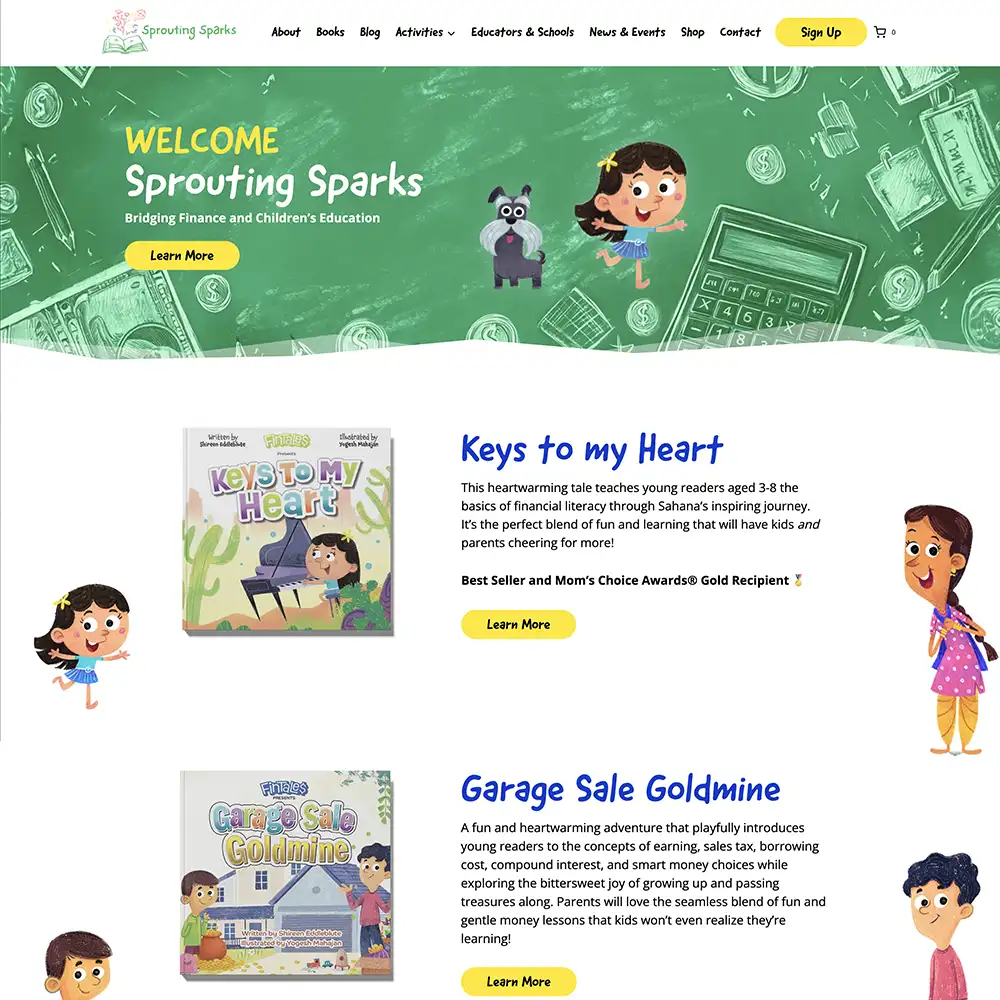
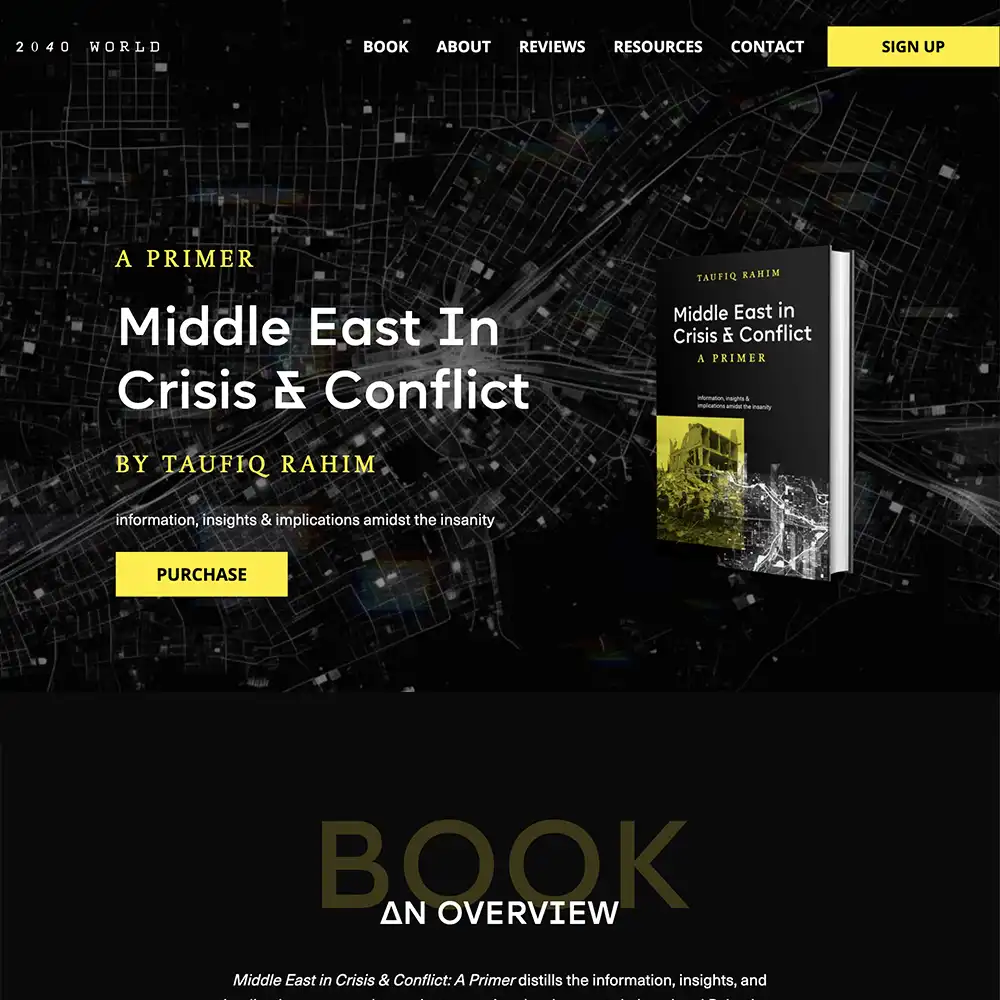
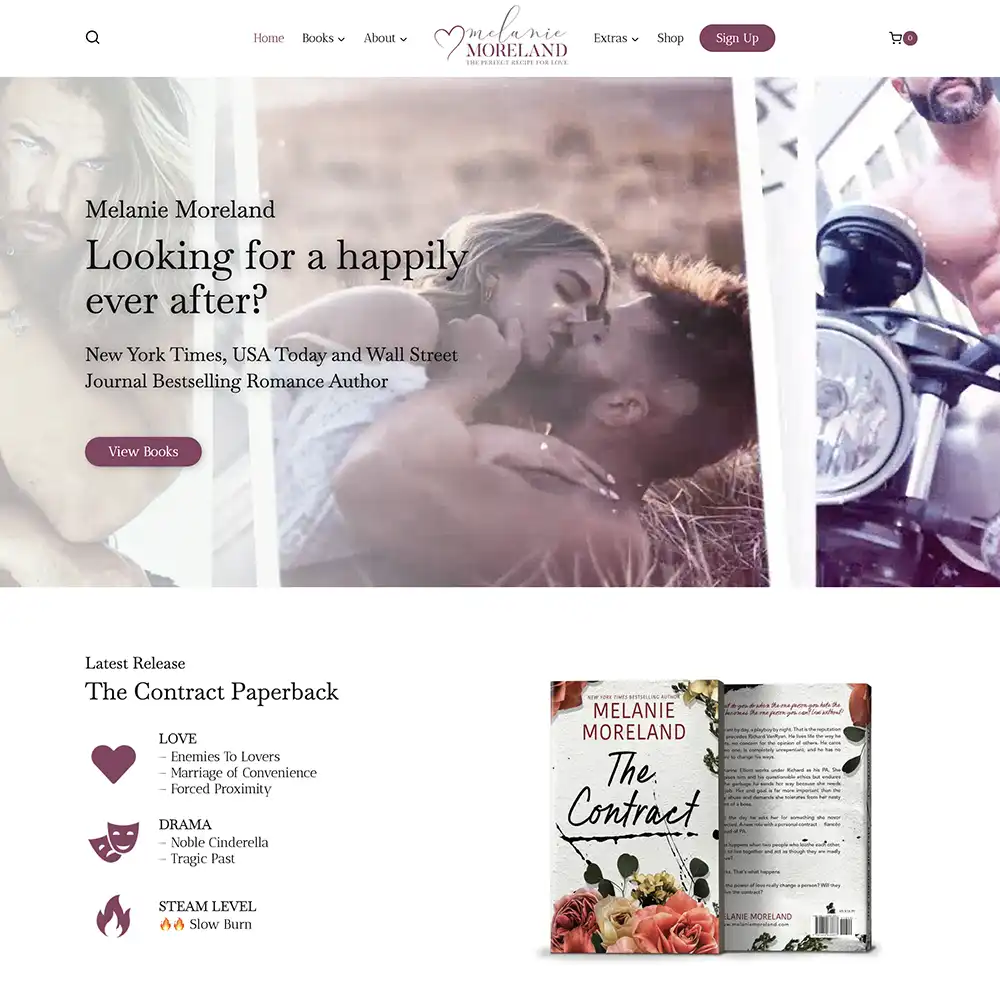
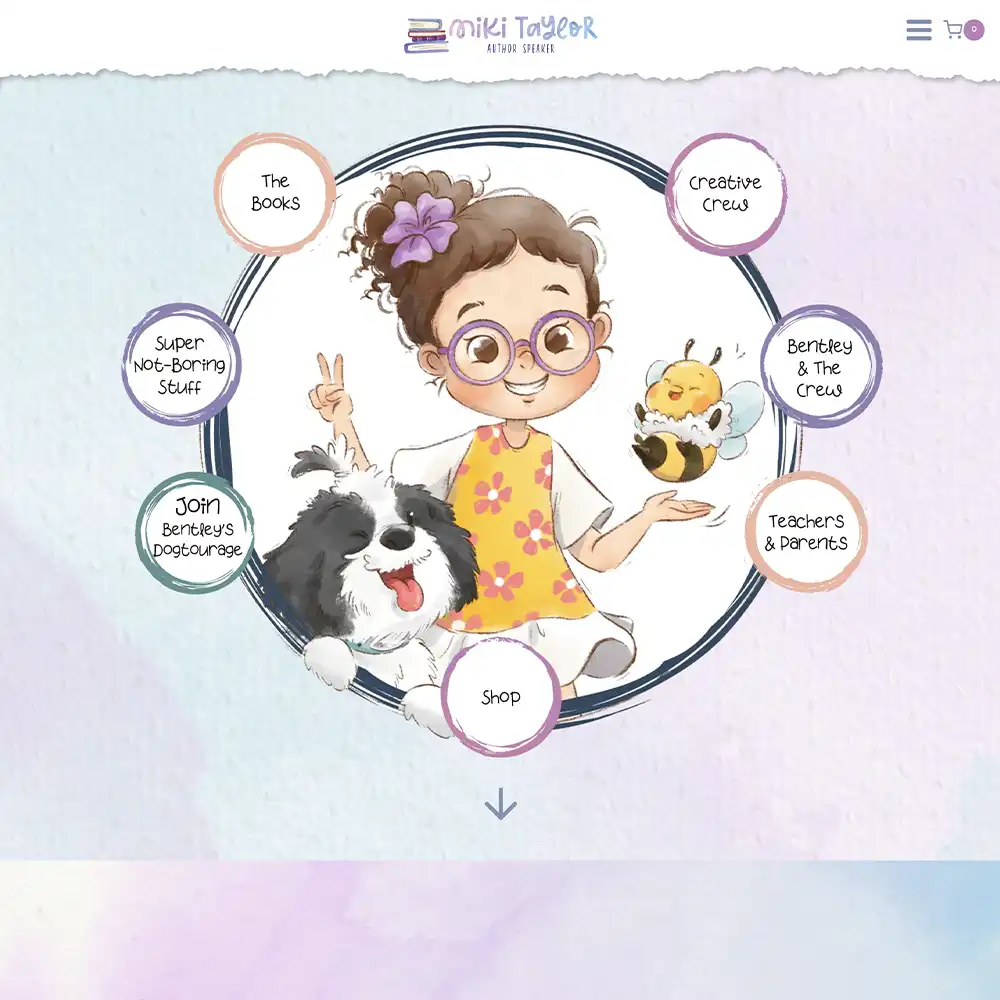
You’re not just trying to make a book cover that’s aesthetically pleasing. Your ebook cover needs to:
- Suit your story without being cluttered.
- Fit your genre and have your unique branding
- Attract attention without looking out of order from other books in the genre.
- Captivate your target reader so they instinctively know this book is meant for them.
- Looks good in black and white (readers may be shopping on their ereaders!)
- Still be readable in a small thumbnail on the internet.
And that’s just the creative details – we haven’t even talked about the complex stuff like the sizing and file type yet!
We highly recommend getting someone professional who understands what’s needed for a book cover to stand out while still fitting in with books of its genre.
Back to the complex details! When it comes to sizing, it’s easier for an ebook. But remember, if you’re printing as well, you need to consider the genre and length of your book for your cover.
In most cases, for ebooks, your cover will need to be in JPEG format. Each platform that you publish on may have different specifications, but these are the requirements Amazon has for ebook covers:
- Height/width ratio of 1.6 to 1
- Ideal dimensions would be 2,560 x 1,600 pixels.
- If larger, the dimensions must be under 10,000 x 10,000 pixels.
- The file size must be under 50 MB.
Top Tip 1: Analyze your book cover like you would your story. Go through different variations, ask friends, family, and beta readers for their opinions and impressions before deciding on your final product.

4. Format your ebook
Now on to one of the more tedious tasks of publishing an ebook: formatting.
For a DIY approach, you can use platforms like Atticus, Vellum, and Kindle Create (for Amazon only).
Make sure to consider these vital aspects when formatting your ebook:
- The table of contents needs to have links to the pages in the book – it helps readers navigate the book on their ereaders.
- Use minimal graphics and illustrations as they may not convey as well in ebook format (this includes embellished chapter icons).
- The right file format – it differs per publishing platform: EPUB, MOBI, KPF, PDF, or DOCX.
It’s probably best to get a professional to help you format your ebook because it can be difficult to get every detail correct, since you may miss something along the way.
Still interested in doing it on your own?
We have a blog that discusses the right way to go about:
- Margins
- Indents
- Numbering pages
- Fonts
- Page breaks
- And more!
Check it out: How to Format Your Book To Perfection: Easy Guide
Top Tip 2: Read through your ebook many times for errors and issues before publishing. That means reading it whenever you make any changes in your ebook before launch to make sure nothing has shifted.
5. Pick a publishing platform
Which platform you use isn’t just about convenience, it’s about helping your book get exposure to different markets of readers.
Although most ebooks are bought on Amazon, you may miss out on readers by limiting yourself to just Amazon. So here’s a quick look at each of the platforms:
| Publishing Platform | Who Will You Reach? | Royalty Plan | Approved File Formats | Best Use Case | Editor’s Notes |
| Amazon KDP | Global (Kindle Store) | Pick between a 35% or 70% royalty plan (this varies per country). | .DOCX, .EPUB (preferred) | First-time authors, broad visibility | The KDP Select program gives you extra benefits. |
| Apple Books | Apple device users (global) | ~70% | .EPUB | Authors with Apple users as readers. | You need a Mac or iTunes Producer to publish. |
| Kobo | Prominent in Canada, Europe, and Asia. | 45%–70% | .EPUB | International reach, niche genres | It’s lesser known but still easy to use, with a wide distribution. |
| Barnes & Noble Press | U.S. (Nook Store) | ~65% | .EPUB | U.S. readers, wide genre options | This is more niche, but is still relevant in the U.S. market |
| Google Play Books | Android users (global) | ~52% (varies) | .EPUB, .PDF | This is more niche, but it is still relevant in the U.S. market | This is more technical to set up. |
| Draft2Digital | Wide distribution to multiple platforms. | Up to 60%–70% | .EPUB, .DOCX | Authors who want to forgo the hassle of ebook publishing. | This is great for distributing to Kobo, Apple, and Barnes & Noble on your behalf. |
Amazon
This is the largest ebook publishing platform out there, and it’s used by beginners and experienced alike. Many readers use Amazon’s store to search for books just like they would Google.
It’s a no-brainer to publish your ebook here.
Publishing your ebook on Amazon is ridiculously easy and fast (as you’ll see in our guide below), plus you can take part in some cool promos like Kindle Unlimited. The only thing is that it requires you to enroll in KDP Select, where you give Amazon exclusivity of your ebook for 90 days (you can renew this promo).
Apple Books
The Apple ecosystem is big in many countries, including the US, UK, and Australia. If you want to target as many readers as possible in these markets (and have an Apple account with access to iTunes and a Mac), it’s worth using Apple Books.
Remember that Apple users are accustomed to well-designed interfaces, so they will be more critical of book formatting and book design (even on an e-reader!), so review your ebook extensively.
Kobo
If you’re looking to expand from the US market, Kobo is a great way to do it. It’s big in Canada, Europe, and Asia.
It has flexible pricing and promotions, and the process of publishing your ebook is just as easy as on other platforms.
Barnes & Noble
If you’re targeting readers in the US, publishing your ebook on Nook devices (Barnes & Noble’s e-reader) could be well worth your time.
It’s a great way to diversify your reach.
Google Play
Not only does this target the Android/Google ecosystem globally, but it also targets people who use Google Search (which is basically everyone).
When you search for a book, we’re sure you’ve noticed the option to read a sample right there on Google – that’s because the ebook is published on Google Play!
The dashboard is a little harder to use, but you’ll have long-term discoverability on the biggest search engine.
Draft2Digital
If making multiple different accounts and going through many publishing processes on different platforms sounds exhausting to you, there is a shortcut!
You can use Draft2Digital as your one-stop shop to distribute your ebook to platforms like Apple Books, Kobo, and Barnes & Noble.
All they do is take a cut of the royalties made on the books – no payment up front!
If you can afford the cut in your profits, this way is easy and takes some of the work off your plate.
How to Publish an eBook on Amazon
Since Amazon is the most popular platform to publish ebooks, we’re going to do an easy walk-through on how to go about it.
Step 1: Create an account
Click this – https://kdp.amazon.com/en_US/ – and start creating your account on KDP (Kindle Direct Publishing).

Fill in your first and last name, your email address, password, and Voila! You have a KDP account.
Step 2: Complete your account information

Hold up! See that box at the top of the screenshot? Complete your account information before beginning the ebook publishing process to avoid any errors down the line.
For this step, you’ll need your ID number, date of birth, tax information, and banking details. After you’ve filled in the fields, click ‘Save’ and continue to the Bookshelf tab.
We’d give you some screenshots, but we’d prefer not to dox ourselves!
Step 3: Create a new title
The moment has finally arrived! Click the yellow ‘+ Create’ button to kick it off.
Step 4: Select ebook

This screen is handy for selecting which version of the book you’re publishing. But we already know what you’re here for. Click ‘Create eBook.’
Step 5: Enter your ebook details

Fill in the following information:
- Your ebook’s language
- Your ebook’s title
- The ebook’s subtitle (although optional, adding value for non-fiction and tropes for fiction will look great on your Amazon book page).
- Series name and volume number if applicable (you can add the series name to the subtitle too!)
- Edition number (if you’ve published that ebook before)
- Primary author name (add your real name or pen name here)
- Contributors (if you have co-authors or editors you’d like to include).
- Description of ebook (this will be your book blurb. Use bold, italics, and paragraph spacing to ensure your blurb is easy to read).
- Publishing rights
- Primary audience (specify the reading ages for your ebook).
- Primary marketplace (plan to publish your ebook in different countries? Here’s where you’ll specify).
Phew! That’s a lot of information! But we’re not done yet.
Step 6: Pick your ebook’s categories and keywords

Next you’ll see the Categories section. This is where your research on your genres comes in.
The Categories section will help you target the right readers for your book, so make sure to pick the correct main category and the most fitting subcategories.

For example, for Battlestations (The Iron Fleet Book 1) by Daniel Gibbs, seen above, you’ll note immediately that the main category would be Sci-Fi & Fantasy. But with further research, if this were your book, you’d know that Military and Space Fleet are 2 other subcategories worth adding.
If you didn’t think of Space Fleet when you published your book, don’t worry! These categories aren’t final. Feel free to change them at a later stage when you notice which niches your book fits in.

We can’t believe this next part is labeled as optional by Amazon when it’s actually a big fat must! We’re in the Keywords section, and there are 7 slots to fill in.
These 7 keywords need to aptly represent your ebook so that your book shows up for readers who search for those keywords on Amazon.
The best way to use this section is to target keywords not already in your book name, subtitle, and description, and get better audience reach.
Step 7: Fill in ebook content – ISBN

On the next page, you can upload your ebook and book cover and fill in the rest of the details around your book.
But there’s one important field we want to bring up for this page: the ISBN.
An ISBN is an International Standard Book Number, and it’s exactly what it sounds like. It’s a unique number that is assigned to books to identify them.
When you’re publishing your ebook on Amazon, however, you don’t necessarily need to get one. Amazon will add an ASIN (Amazon Standard Identification Number).
You can still buy one, but note that you can’t use the same ISBN for your ebook as a print version of your book, since they’re 2 different versions of your book that need to be tracked.
Step 8: Choose pricing & distribution

After you’ve uploaded your manuscript, you’ll be taken to the last page before you can click “Publish!”
On this page, you’ll decide whether to be part of KDP Select (remember that this prohibits you from publishing on any other platform for 90 days). Next, you can select the territories where you have rights to distribute your book.
Remember to look at the pricing for each country you pick (Amazon automatically converts the pricing in each country, so make sure you’re happy with it).
This matters because Amazon can publish your ebook in many different countries. Check out this list: eBook Distribution Rights.
Now to the biggest thing on authors’ minds: pricing.
There are 3 things to consider for your ebook pricing:
- Your competitors
- Amazon’s royalty plan
- The quality of your book.
Let’s break it down.
1. Using competitors to dictate ebook pricing
Grab your research and take a look at what the books in your genre are priced at. Ask these questions:
- What are the prices?
- Are those books on Kindle Unlimited?
- Do they distribute their ebooks widely on other platforms?
- Where do they rank on Amazon?
2. What’s the quality of your book
Your ebook itself will factor into the cost:
- What’s your budget for marketing and promotion?
- How many pages are in your book? Does it fall in line with other books in your genre? For fewer pages, you can charge less; for more pages, you may want to charge more.
- What genre is your book in? Prices can vary per genre.
- Who is your audience? Are they CEO’s ready to pay more, or are they teenagers saving up for a new book?
3. How does Amazon’s royalty plan work?
There are 2 royalty plans on Amazon for your ebook.
- 35% Royalty Option
- 70% Royalty Option
Meaning, the royalties you receive could either be 35% or 70% of your list price, excluding VAT, for each ebook sold.
70% sounds good, right? Unfortunately, there are some catches to picking this option. Your book has to meet these requirements to qualify for the 70% royalty option:
- Your ebook is in copyright and not public domain
- The ebook must be available where the author has rights.
- If you’re selling a physical copy of your book, your ebook price has to be at least 20% the list price for the physical copy.
- Your ebook price has to be between $2.99 – $9.99.
Many authors have their first ebook in a series priced at $0.99, making the 70% option unfeasible, but their readers will find it easier to make an impulse buy. Keep this in mind when pricing your ebook.
Note: The 70% option only applies to countries on this list: Digital Book Pricing Page.
For the 30% royalty plan, the size of your ebook’s file will inform the guidelines. But the main requirement is that your ebook price can be $0.99 at a minimum and $200 at a maximum.
Note: Amazon has the right to change the retail price. For example, they may change the price of your ebook if it is cheaper on another platform.
Keeping in mind these 3 factors, you can choose a price and then click publish!
Marketing and promotion
Marketing your book is the next biggest step to getting book sales. This is where your research on your genre and audience becomes even handier.
Author Central Page
Before you leave the Amazon dashboard, start setting up your Author Central page. You can use it to customize your book product page, house your bio, and any other details you would want a reader to know.
Amazon is a place where people have the intent to buy things, so make sure you add editorial reviews, book trailers, and spruce up your blurb with spacing and pertinent details to entice them to purchase your book.
Top Tip 3: Use Author Central to respond to reader reviews, view your book’s statistics, and share your author website.
Stagger reviews
If you want to get book sales on day one and rank on Amazon, you need to have a plan to gain reviews.
Send your book to influencers and industry reviewers, such as Kirkus, to get reviews on your book page when it launches.
It’s important to plan your marketing so that you can get an influx of reviews every week, or even every few months, to revitalize your ebook.
You can do this by running discounts, or finding book promotion sites, like BookBub, and adding your book there to get more reach.
Price promotions
Speaking of discounts, try reducing the price of your ebook once in a while to gain new readers who are browsing for deals.
Because who doesn’t love a good special?
You can set up Facebook ads to drive traffic to these deals, or promote them in your newsletter and social media platforms to get more coverage.
Price promotions have a way of adding urgency. It pushes readers who were on the fence right over and encourages them to buy it while it’s cheaper.
The more readers buy your first book at a discount, the more readers will find and read your other books.
Giveaways
eBooks are great for competitions because they’re cheaper and easier to distribute to readers who’ve won.
When you’re about to launch your book, you may want to up the pre-order sales by running giveaways and other contests. It builds hype around your book and even those who don’t win will be more likely to keep an eye on your work, or perhaps buy your book anyway.
To amp it up, you can make the giveaway prize a signed copy, a limited edition, a merch add-on, or a free ebook for the winner and a friend.
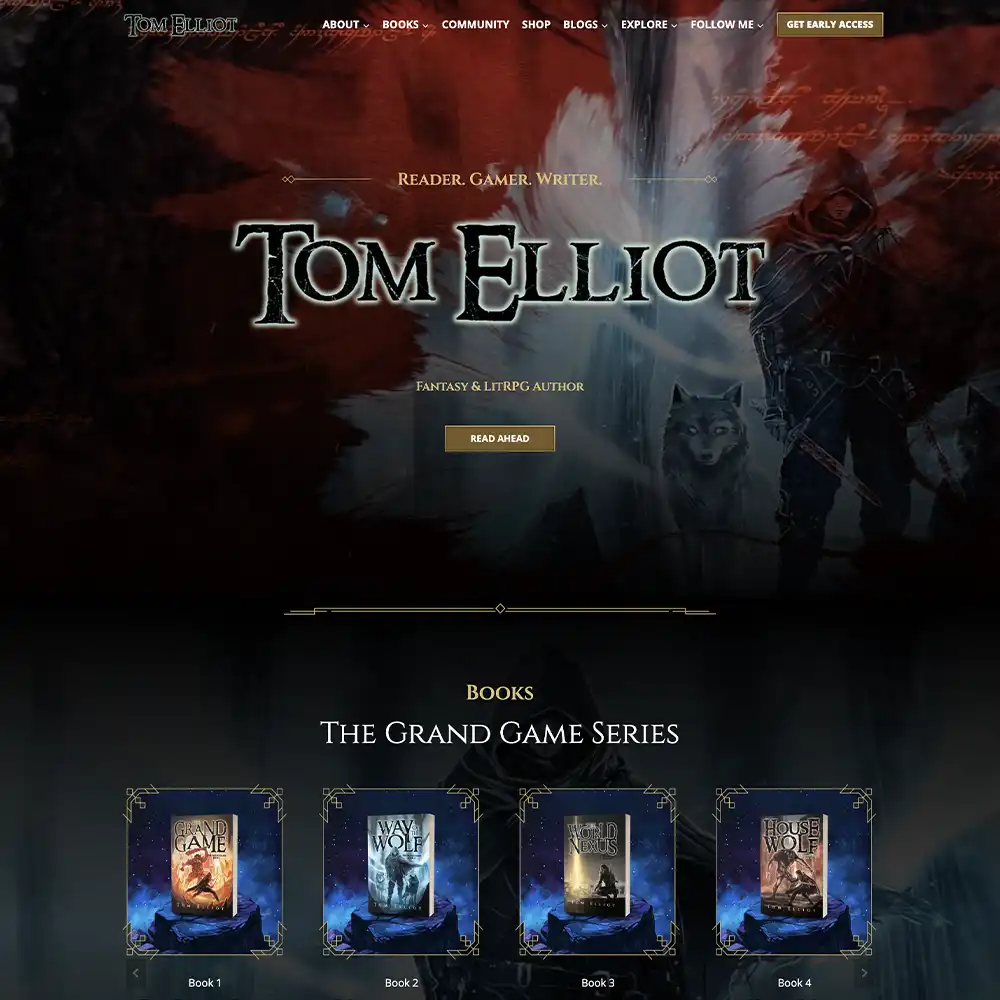
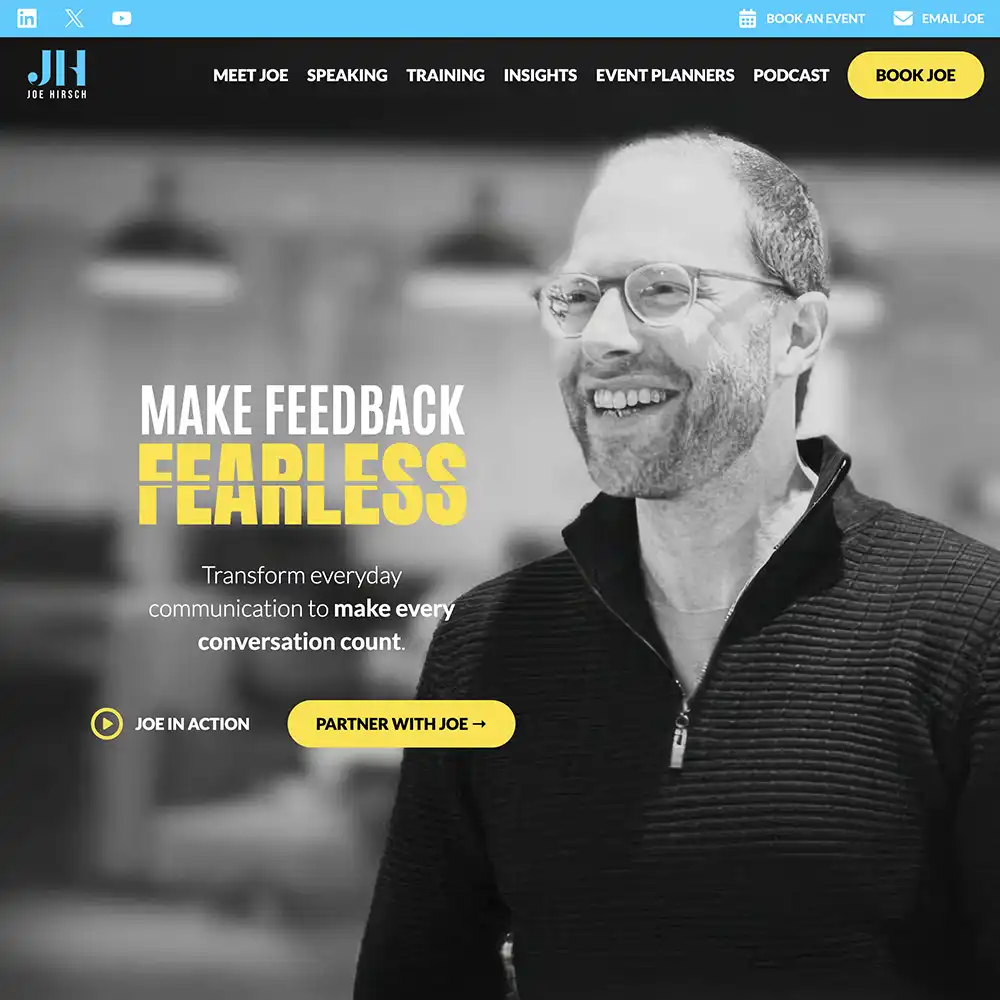
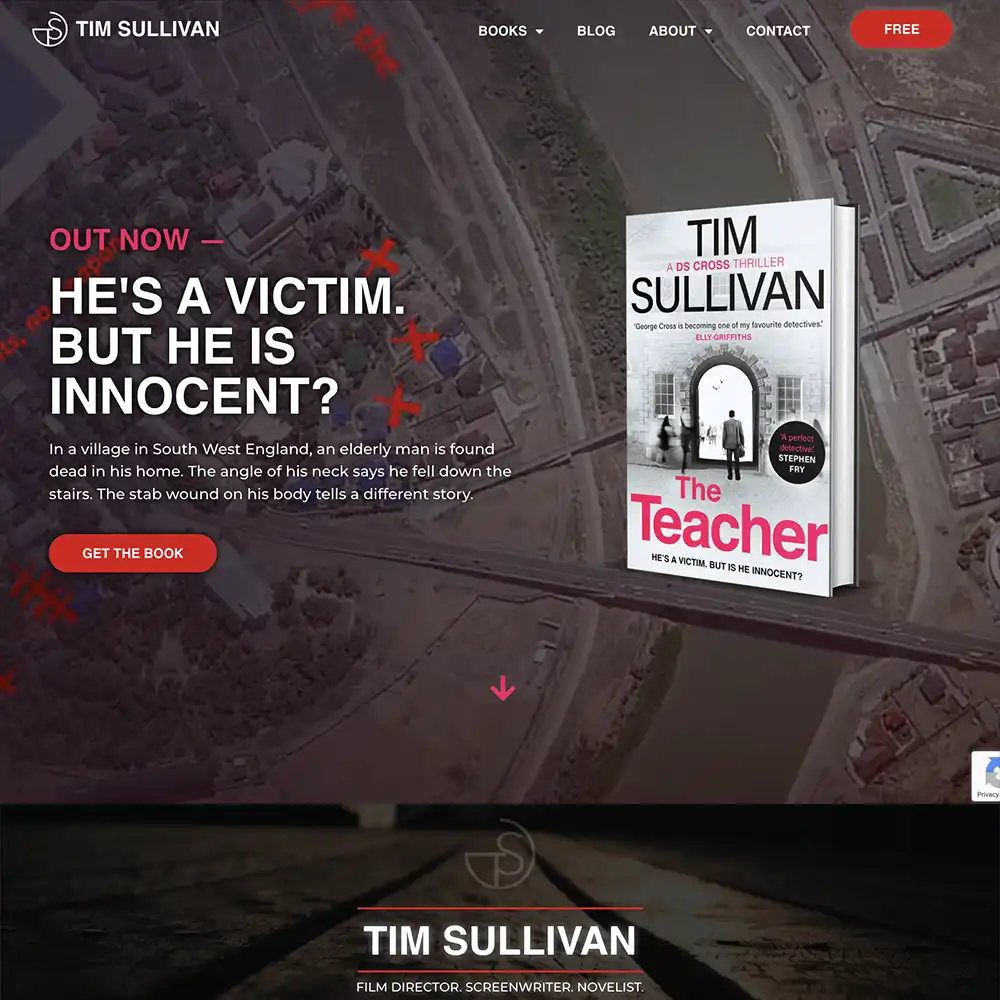
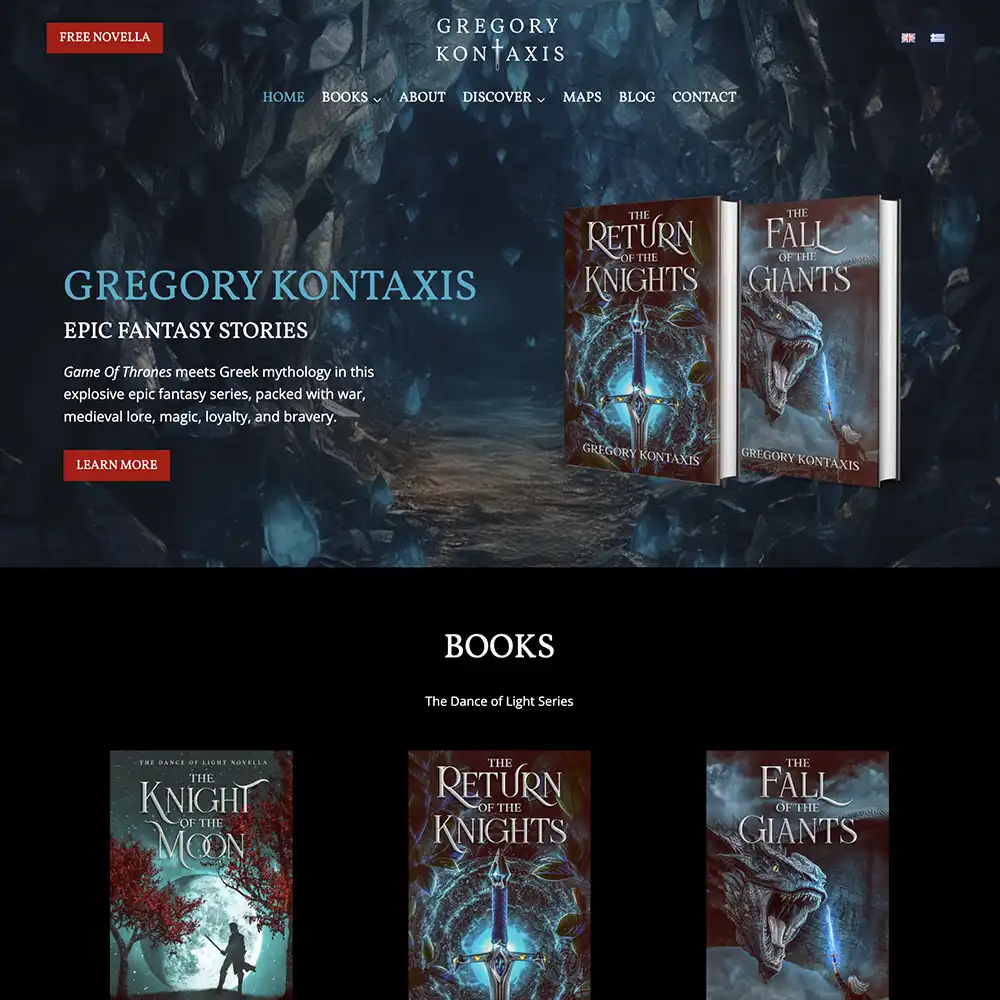
Website promotions
Use your author website to host your giveaways, contests, and other promotional activities to keep track of traffic and other data. You can use this data and information to inform your other marketing efforts.
Plus, it’s easy to share announcements, events, blogs, house your newsletter sign-up page, and extra works like podcasts, resources, etc.
Email marketing
Lastly, one of the most consistent forms of promoting your books, a newsletter.
Get readers to sign up by offering free sample chapters, resources, or a novella in exchange for their email address.
Use your newsletter to build up anticipation around your book before launch to ensure you have a readerbase ready to jump on your release.
What’s Next For Your eBook?
It may seem overwhelming at first, but once you start, it gets easier, especially with our guide. With a clear plan, including a promotional strategy to make sure you rank on Amazon, and perseverance, you’ll be selling ebooks in no time.
Whether you’re looking to publish for another income stream, to boost your business, or to simply get your story out there, an ebook is a great way to cost-effectively put your work in front of readers’ eyes.
But remember, the work doesn’t stop at publishing that first ebook. There are more stories to come from you yet! And you’ll need a hub for all of them that abide by your rules. Although Amazon is amazing for publishing ebooks, it’s lousy at letting you control how it’s shown.
That’s where we come in. If you’re looking to create a central point for all of your ebooks and your other works, an author website is exactly what you need.
We’ve designed premium websites for debut authors and million-copy-selling authors, so we know what’s needed to look professional and highlight your brand. It’s your one-stop shop that’s open 365 days a year with little maintenance required.
Fill in this inquiry form, and we’ll see how we can help you own your presence online.